How to Find Your Car’s Engine Specs by VIN
You can find many engine specs from a VIN by decoding the 8th character, then matching the model year with a VIN decoder; if the result is unclear, confirm it with the engine code and a second source. Get it wrong, and you can order the wrong parts, miss emissions details, or pay for returns and extra labor. This guide shows how to read the VIN, check the engine code, and verify uncertain results before you buy anything.
What you need
- The full 17-character VIN from the vehicle, registration, title, or insurance paperwork.
- Access to a VIN decoder that returns vehicle specs, not vehicle history.
- The owner’s manual, manufacturer label, or build sheet if available.
- A parts catalog or manufacturer catalogue for a second-source check.
- A note field for engine code, model year, and any blanks or multiple matches.
Can a VIN tell you your engine?
Yes, a VIN can often point you to the engine type, engine size, and related specs, but the result depends on the decoder and the market the vehicle was built for. For many vehicles built after 1981, the VIN is 17 characters long, and you can usually find it on the dashboard beneath the windshield or on the label on the driver-side doorframe.
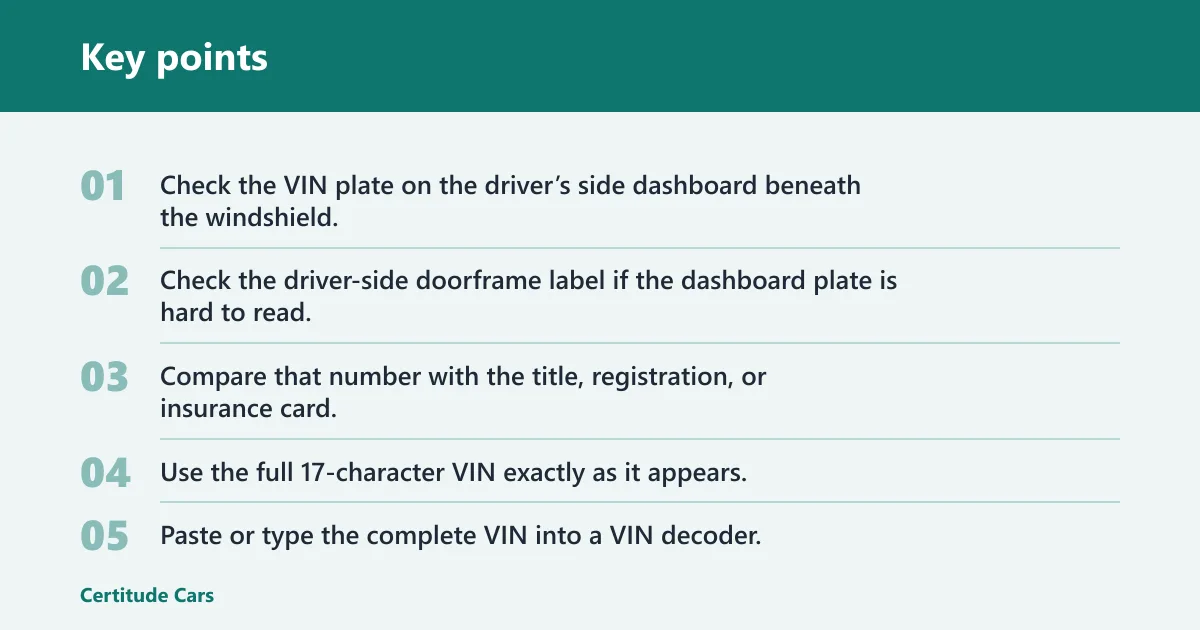
Find the VIN first
- Check the VIN plate on the driver’s side dashboard beneath the windshield.
- Check the driver-side doorframe label if the dashboard plate is hard to read.
- Compare that number with the title, registration, or insurance card.
- Use the full 17-character VIN exactly as it appears.
Enter it into a decoder
- Paste or type the complete VIN into a VIN decoder.
- Look for engine type, engine size, make, model year, trim, and body style.
- Save any blank fields or multiple engine matches instead of guessing.
- If the decoder is vague, plan a second-source check before buying parts.
Read the result carefully
A blank engine field does not automatically mean the vehicle has no engine data. Some databases have incomplete coverage, and exact fields can vary by source and market. A common first-timer mistake is treating a decoder result as final when it only returns a partial match.
Which VIN characters matter?
For engine lookup, the most useful characters are often the 10th character and, in some decoding systems, the 8th character. The 10th character shows the vehicle year, which helps narrow the correct engine and parts application. The 8th character may be the engine code in some systems, but that is not universal across all makes.
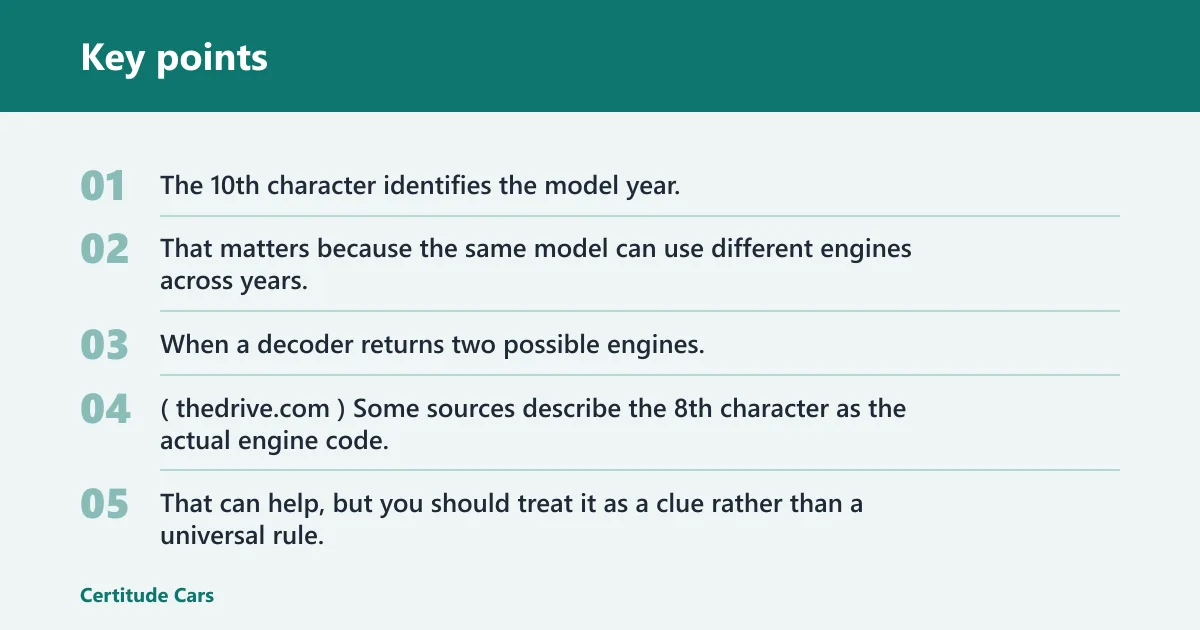
Use position 10 to narrow the year
The 10th character identifies the model year. That matters because the same model can use different engines across years, emissions packages, or markets. When a decoder returns two possible engines, the year character is one of the fastest ways to narrow the fitment. (Thedrive)
Check position 8 as a clue, not a guarantee
The 8th character is often described as the actual engine code. That can help, but you should treat it as a clue rather than a universal rule. A decode that looks right for one make can be wrong for another if the database does not map that market correctly.
Do not overread the middle characters
Characters 4 through 8 can denote the vehicle’s manufacturer, engine size, and type, and some sources say they identify engine size and type directly. Even so, the exact meaning can vary by manufacturer and region. Use the full VIN structure, not one character in isolation.
VIN verification checklist
| VIN position | What it may reveal | How to confirm it | What to do if the decoder returns multiple or missing engine results |
|---|---|---|---|
| 1-3 | World manufacturer identifier | Match the manufacturer on the title or door label | Use the correct market and make before searching parts |
| 4-8 | Vehicle attributes, including engine size and type | Compare with the manufacturer label or parts catalog | Do not order parts yet; narrow by engine code and model year |
| 8 | Possible engine code in some decoding systems | Check the engine label, build sheet, or dealer parts catalog | Use the code as a clue only if the decoder shows more than one engine |
| 10 | Model year | Match it to the registration or title | Re-run the search with the year and engine code together |
| Full VIN | Vehicle specs, trim, body style, and other data | Cross-check with a second decoder or manufacturer catalogue | Use the most specific match only after the second source agrees |
How do you confirm the engine code?
Confirm the engine code by matching the VIN result to the model year, then checking a manufacturer label or parts catalog. If the decoder returns multiple engines, the label or catalog is the better tie-breaker. A vehicle history report is separate from spec decoding and should not be used as the main source for engine fitment.
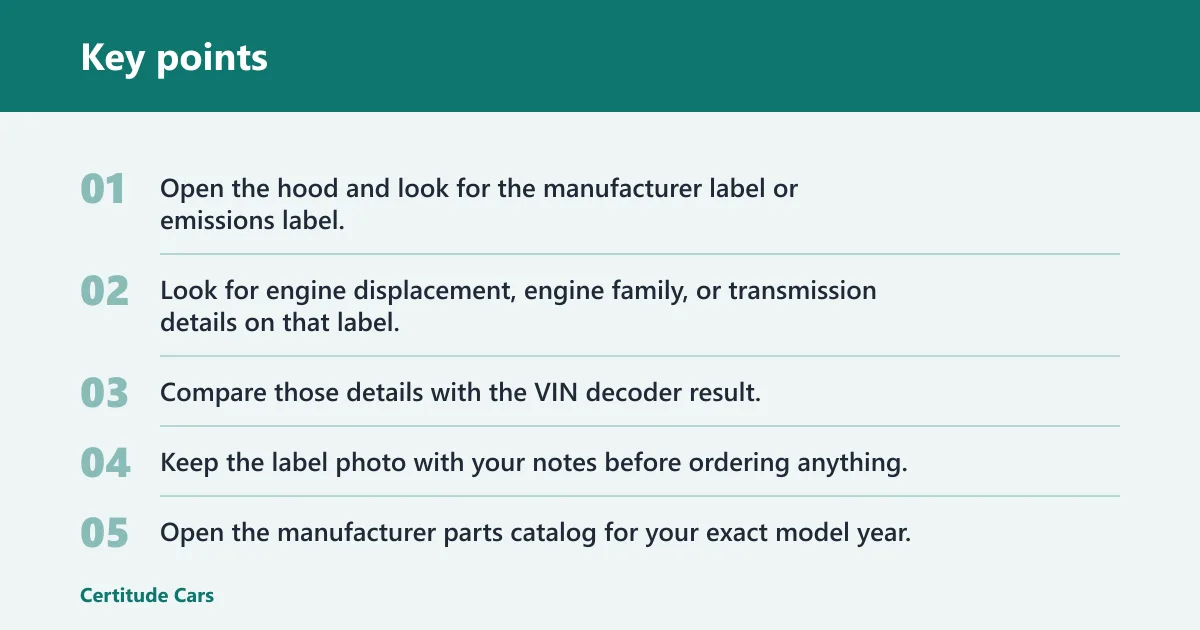
Use the label or build sheet
- Open the hood and look for the manufacturer label or emissions label.
- Look for engine displacement, engine family, or transmission details on that label.
- Compare those details with the VIN decoder result.
- Keep the label photo with your notes before ordering anything.
Check a parts catalog second
- Open the manufacturer parts catalog for your exact model year.
- Search by VIN, engine code, or model year if the catalog allows it.
- Match the engine, transmission, and market listing together.
- If the catalog shows two engine options, use the label or build sheet to choose the right one.
Use this as the final fitment check
Suppose a 2016 vehicle decodes to two possible 2.0L engines. The 10th character confirms the year, but the catalog still matters because a market-specific version can use a different engine code. In that case, the engine code plus model year is the better fitment check than the decoder alone.
When VIN decoding is enough and when it is not
A VIN decoder is often enough for a quick check of make, model year, trim, body style, and engine type. It is not enough when the result is blank, when the decoder returns multiple engines, or when the vehicle was sold in a market with limited database coverage. In those cases, verify with the label and a parts catalogue.
Use the decoder alone for simple checks
If the VIN returns one engine, one model year, and one trim, you may have enough to start parts research. That is most useful for common late-model vehicles with strong database coverage. Even then, match the result against the title or registration before you buy.
Use a second source for uncertain results
Say your decoder returns the make and model but leaves the engine field blank. That is not a negative result. Check the manufacturer label, then compare the code with a dealer parts catalog or manufacturer catalogue before ordering anything.
Know when a vehicle history report is the wrong tool
A vehicle history report can show accidents, ownership, mileage, and service events. It does not replace a VIN decoder for engine specs. If you need fitment data, use the decode path first and keep history reports for background checks.
Common mistakes
Most errors come from using the wrong source or stopping too early. Avoid these issues before you place an order.
- Using a vehicle history report as a spec source. It is for past events, not engine decoding.
- Assuming one decoder covers every market. Coverage depends on the database and region.
- Skipping the second-source check. Use the label or catalog when the result is blank or split.
- Treating pre-1981 vehicles like modern VINs. Older vehicles often need marque-specific records or factory documentation.
- Reading the 8th character as universal. It can point to engine data, but not for every make.
Modern VINs versus older vehicles
Vehicles built after 1981 usually use the 17-character VIN format. Older vehicles may not follow that structure, so a modern decoder can miss the right answer. For those vehicles, marque-specific registries, factory records, or original build documentation are often the better path.
Frequently asked questions
Can I lookup my car specs by VIN number?
Yes. A VIN lookup can reveal a vehicle’s features, specs, and more, including engine type on many vehicles. The result is only as good as the decoder’s coverage, so a blank engine field should be checked against the label or a parts catalog before you order parts.
How to check engine size by VIN number
Start with the VIN decoder, then compare the engine field with the 10th character for model year and the engine code if the decoder shows one. If the size is still unclear, use a manufacturer label or dealer parts catalog to confirm the exact application.
Can I find out my engine size by VIN number?
Often, yes. Many VIN decoders can provide engine size, body type, make, model, trim level, and engine type. If the result is incomplete, do not guess from a partial match. Confirm with the engine code and the manufacturer’s parts information.
What engine do I have by VIN?
Your VIN can often point to the engine code or engine type, especially when the decoder recognizes the model year and market. If two engines appear, use the 10th character and the manufacturer label to decide which one matches the vehicle before you buy parts.